
Release 8.5 - Background Timers
 PK
PKPeter Klimek
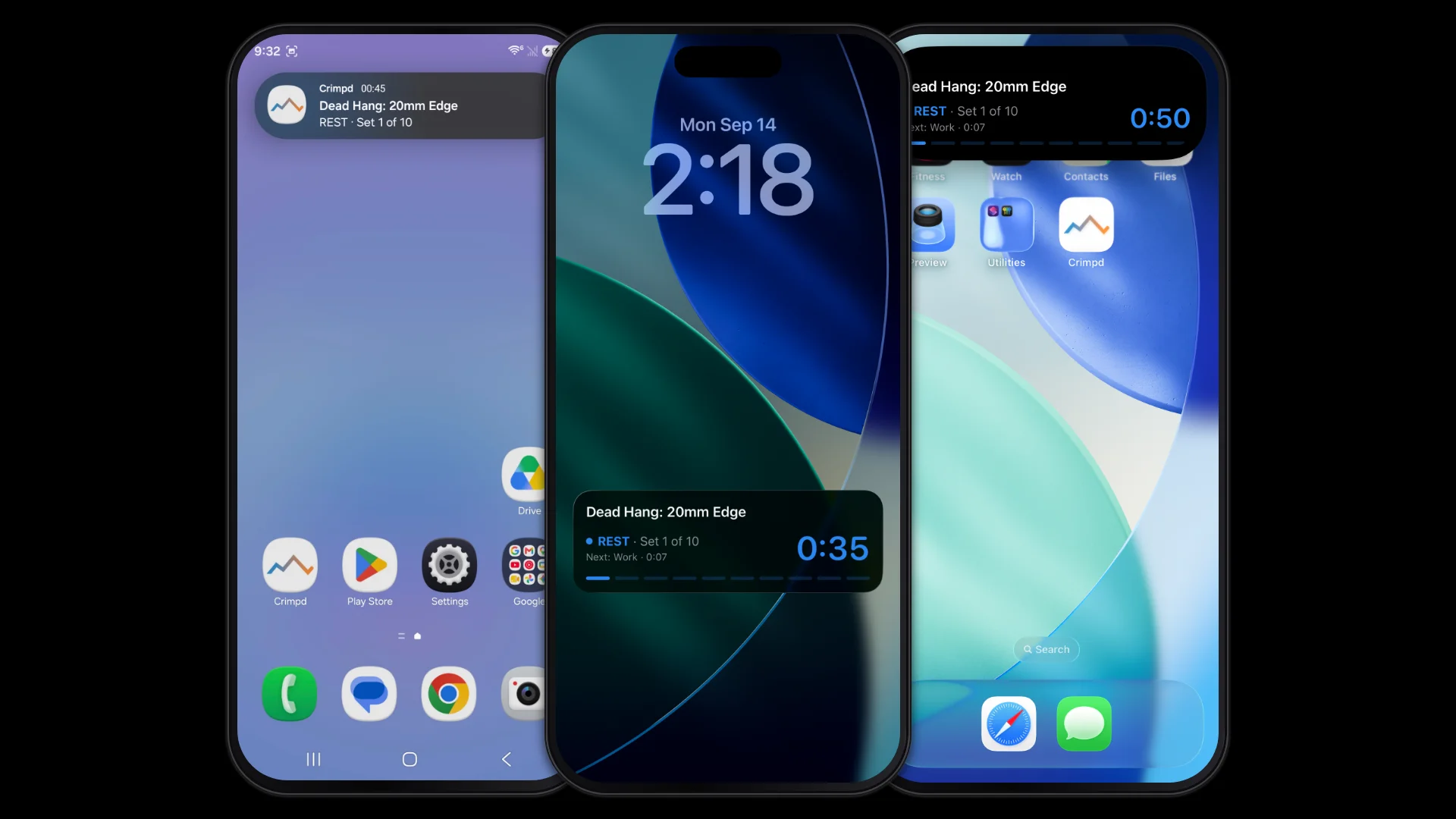
Background timers have been our most requested feature over the years, and version 8.5 finally introduces them. Start an interactive workout in Crimpd, then switch to another app or lock your phone. The timer keeps running and your audio cues let you know when it's time for the next set.
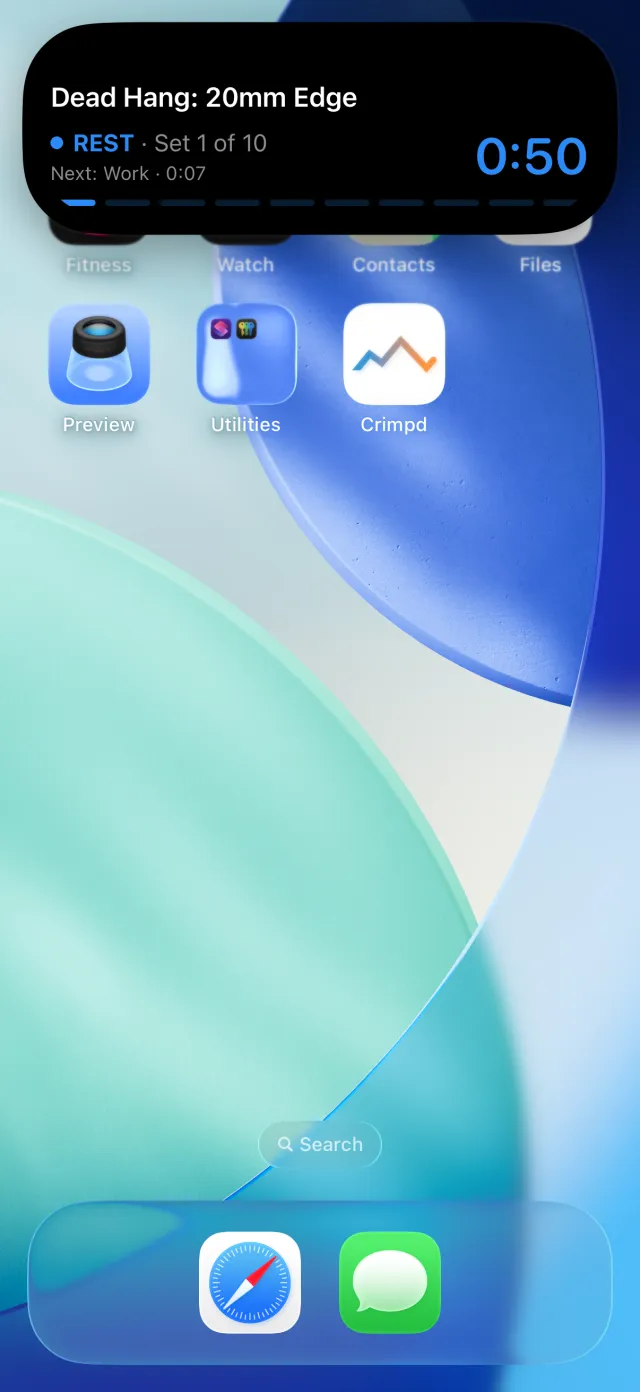
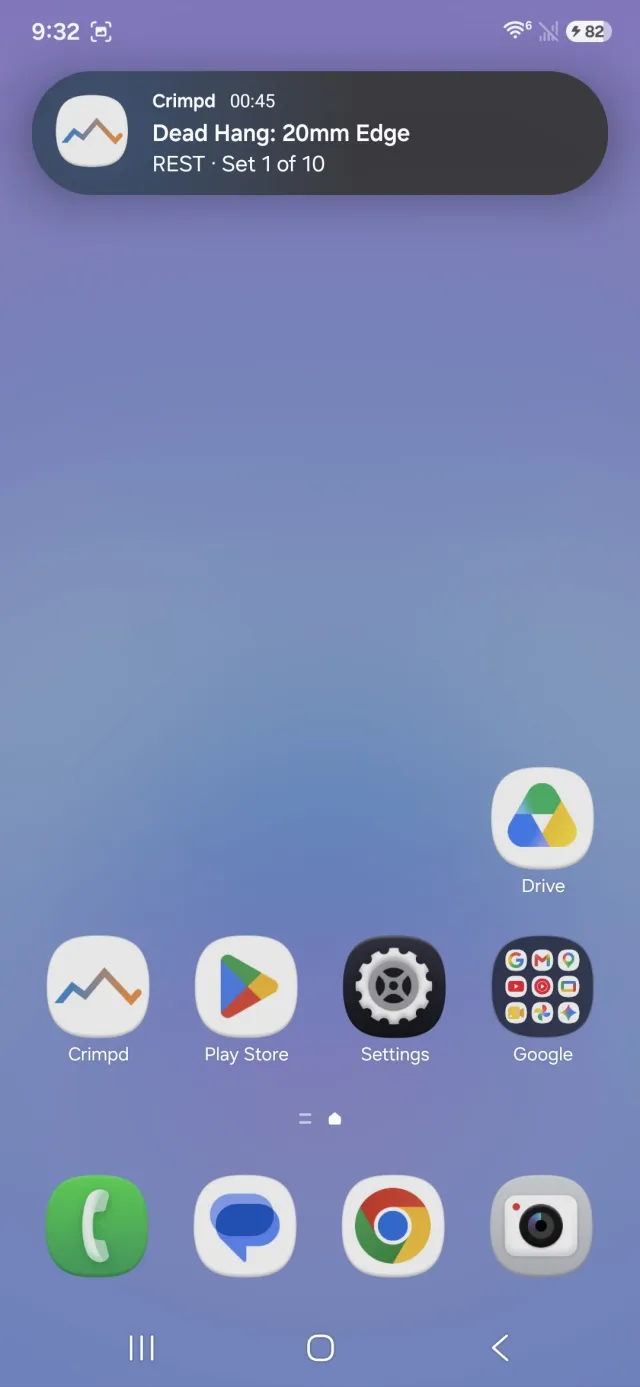
You can also check the countdown without opening Crimpd. The timer appears on your lock screen and, depending on your phone, in the Dynamic Island or status bar while you're using another app. It shows the exercise, which set you're on, and what's coming next, including GET READY in the last ten seconds of a long rest.
On iPhone, this uses Live Activities and requires iOS 16.2 or later. If your phone has a Dynamic Island, you'll also see the countdown there while you're using another app. Press and hold it to see the full timer card.
On Android, the timer appears as an ongoing notification. Android 16 adds support for Live Updates, which can also put the countdown in your status bar. Exactly where it appears depends on your phone and its notification settings; we've covered those differences in the Live Timer guide. On Android 13 and later, you'll need to allow notifications when Crimpd asks.
This builds on the timer work from 8.0 and 8.1. The workout already has a schedule for each work and rest interval, which we use for the audio cues. The lock screen display uses that same schedule, with the phone's operating system handling the countdown.
Climbing sessions too
The live climbing sessions we added over the summer also appear on your lock screen. Start an open climbing session and you'll see the elapsed time along with your problems, attempts, and ascents. Those counts update as you log climbs in the app.
If you start an interactive workout during a climbing session, the workout timer takes over the display. When the workout finishes, your session stats come back.
A few limitations
For now, you'll still need to open Crimpd to pause, resume, or skip part of a workout. The lock screen shows your progress, but doesn't have controls yet. On Android, swiping the notification away hides it until your next timer; the workout and audio cues keep running.
There's also an iOS quirk: if the system suspends Crimpd in the background, the countdown can keep ticking while the phase label falls behind. If you see "Open Crimpd to resume," opening the app refreshes the display. Your workout timer, audio cues, and log are unaffected.
We also fixed an Android crash in 8.5.0 that affected starting a timer. If you ran into that one, sorry — updating to 8.5.1 fixes it.
8.5 is available on iOS and Android. If the timer looks wrong or doesn't show up on your phone, let us know at support@crimpd.com.
-pk
About the author
PKPeter Klimek
Co-founder & Developer
Peter is the co-founder of Crimpd and the CTO of Lattice Training. He builds training tools for climbers who want to get stronger without guesswork. When he's not working, he can be found building trails and developing new boulders in the Pacific Northwest.